Mastering Your Reading Goals with a Book Read Tracker Laser Cut Design
There is a distinct satisfaction in watching a physical representation of your reading progress grow throughout the year. For many avid readers, the Book Read Tracker Laser Cut has become more than just a craft project; it is a motivational tool that turns the solitary act of reading into a tangible achievement. Whether you are a librarian looking to create engaging displays, a teacher wanting to inspire students, or a hobbyist dedicated to organizing your home library, this digital design offers a versatile foundation for creativity. However, because this is a digital product rather than a finished physical item, there are specific nuances to understand before you begin cutting. Misunderstanding the nature of digital files or overlooking material specifications can lead to frustration, wasted resources, and a final product that doesn't meet your expectations.
Understanding the Digital Nature of the Product
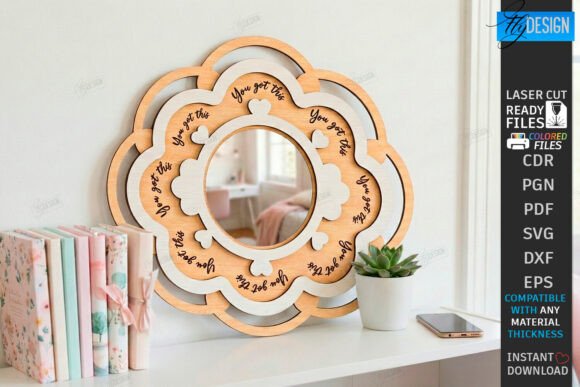
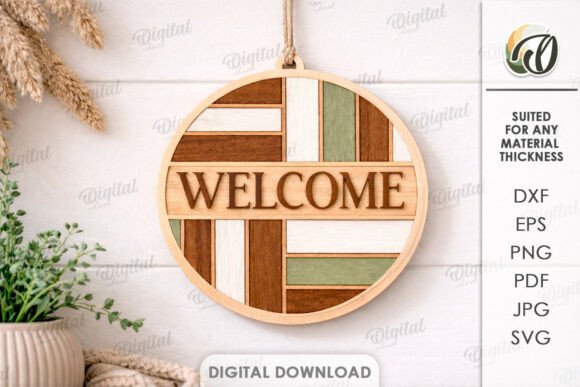
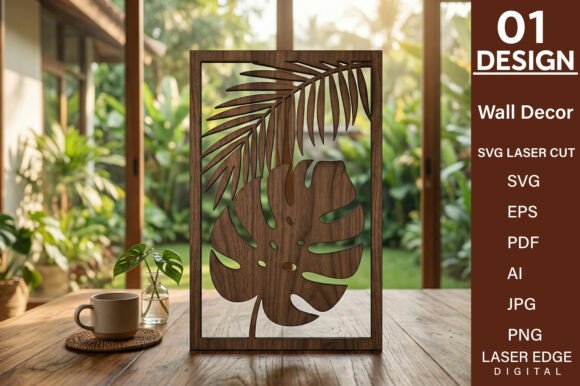
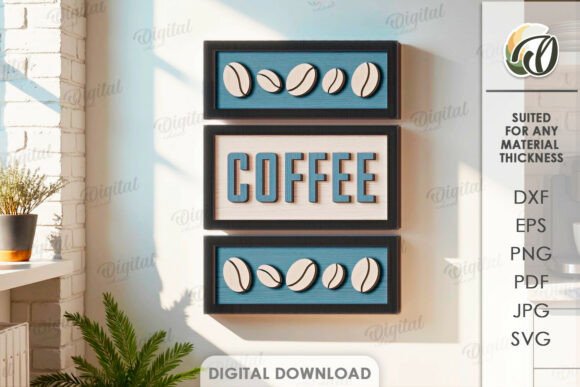
The most common misconception among first-time buyers is expecting a physical object to arrive in the mail. It is crucial to remember that when you purchase a Book Read Tracker Laser Cut file, you are buying a license to create the design, not the design itself. The photos you see in listings are intended strictly for inspiration, showcasing what is possible with the right materials and finishing techniques. No physical goods will be sent. Instead, you will receive a zip folder containing the design in multiple formats, including SVG, DXF, EPS, PDF, JPEG, and PNG. This variety ensures compatibility with nearly any laser cutter or CNC machine on the market, from high-end industrial units to desktop hobbyist models. If you are new to digital downloads, take a moment to verify that you have the software capable of opening these files before purchasing. Trying to force a file type your machine doesn't recognize is a frequent source of unnecessary stress.
The Critical Importance of Material Thickness
One of the most overlooked details in laser cutting projects is material thickness. For this specific tracker design, the material width required is 3mm. Deviating from this specification can compromise the structural integrity and aesthetic appeal of your tracker. If you use material that is too thin, the interlocking joints or standing elements may feel flimsy and fail to hold books or markers securely. Conversely, using material that is too thick can prevent pieces from fitting together entirely, as the kerf (the width of the cut made by the laser) is calculated based on that 3mm standard. Many creators make the mistake of grabbing whatever acrylic or wood they have on hand without measuring. To avoid this, always measure your stock with calipers before loading it into your machine. If you only have 4mm plywood, you may need to adjust the vector lines in your design software, a step that requires precision and experience. Sticking to the recommended 3mm ensures the assembly process is smooth and the final result looks professional.
Avoiding File Format Pitfalls
With six different file formats included in your download, choosing the right one is essential for a clean cut. Beginners often default to PNG or JPEG files, assuming they are universal. While these image formats are great for printing stencils or viewing previews, they are raster images, meaning they are made of pixels. Laser cutters require vector paths to know exactly where to cut. Using a raster image for cutting can result in jagged edges, inconsistent speeds, and poor quality. Always prioritize the SVG, DXF, or EPS files for your laser cutting software. These vector formats preserve the mathematical paths of the design, ensuring crisp lines and accurate dimensions. If you are using a machine that imports PDFs, ensure the PDF contains vector data and not just an embedded image. Taking the extra minute to select the correct file format saves hours of troubleshooting later.
Design Customization and Creative Possibilities
The possibilities of creation with this design are endless, but this freedom can sometimes lead to analysis paralysis or over-complication. A common error is trying to modify the design too aggressively without understanding how the changes affect the cut. For instance, resizing the entire tracker to fit a specific wall space might seem easy, but if you scale it disproportionately, text may become illegible, or small details might vanish during the cutting process. A better approach is to keep the core structure intact while customizing the finish. Consider painting the wood before assembly for a vibrant look, or engraving names and dates onto the tracker to personalize it for a gift. Educators might color-code different sections to track genre diversity, while entrepreneurs could brand the tracker with their company logo for office decor. The key is to enhance the design, not fundamentally alter its engineering.
Preparation Before You Cut
Before sending your file to the laser, there are several checks you should perform to ensure efficiency and safety. First, inspect the vector lines for any open paths or overlapping nodes. These small errors can cause the laser head to retrace lines unnecessarily, burning the material and extending your production time. Second, consider the grain direction of your wood or the protective film on your acrylic. Aligning the design with the grain can add a beautiful natural texture, while leaving the protective film on acrylic during cutting prevents smoke stains on the surface. Finally, run a test cut on a scrap piece of your 3mm material. This simple step confirms your power and speed settings are optimized for that specific batch of material, preventing costly mistakes on your final piece.
Creating a Book Read Tracker Laser Cut is a rewarding project that blends functionality with artistry. By respecting the digital nature of the product, adhering to material specifications, and choosing the correct file formats, you set yourself up for success. Whether you are producing these for a small business, crafting a unique home decoration, or developing a classroom resource, attention to detail makes all the difference. Take the time to prepare your files and materials properly, and you will end up with a high-quality tracker that inspires reading for years to come. If you encounter any uncertainties regarding the file formats or compatibility with your specific machine, do not hesitate to reach out to the seller. Clear communication ensures you have the support needed to bring your creative vision to life. Happy shopping and happy creating.